
January 22, 2026
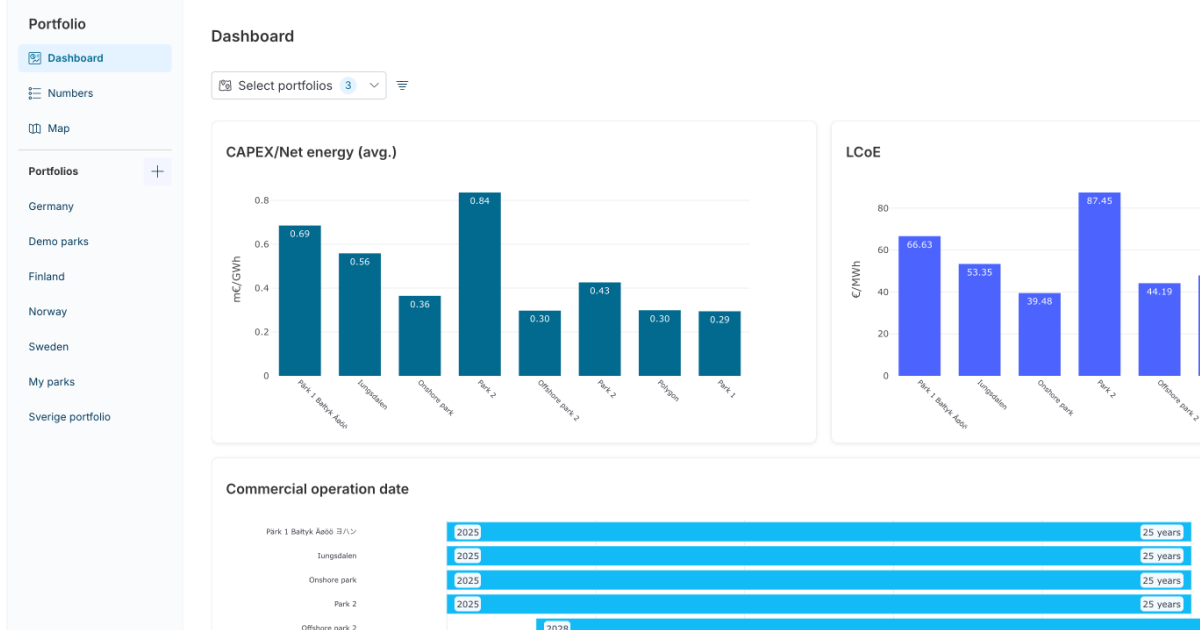
Many of you have shared that you need a simple, reliable way to view all your early-phase wind projects in one place. With Portfolio View, Vind AI now gives you exactly that.
Instead of relying on outdated spreadsheets or chasing the latest files, you can now bring insights together in a live, always up-to-date dashboard. Whether you need to know how much capacity your pipeline would deliver by 2030 or which projects in a specific region deliver the lowest LCoE, the answers are now instantly available to you at any time, directly in Vind AI.
With the new Portfolio View, you can:
This update strengthens how you can use Vind AI as a platform for strategic, data-driven decision-making across your organisation, not just as a design tool for your engineers and analysts.
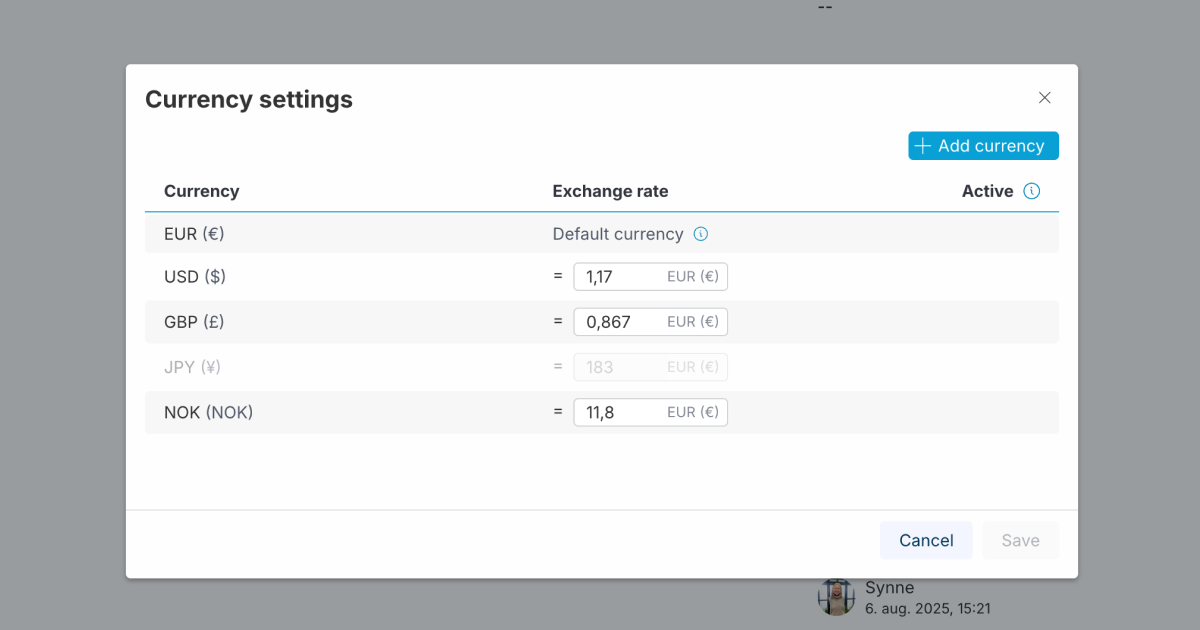
We are excited to announce that we have expanded our Financial configuration to support multiple currencies. Your financial modelling in Vind AI is no longer limited to the Euro, giving you the flexibility to model projects accurately in their local financial context.
Currencies and exchange rates are now managed directly from the financial library, streamlining your workflow across different markets.
With this update, you can:
This ensures that your cost estimates and financial KPIs reflect the reality of your supply chain and market, without the need for manual external calculations.
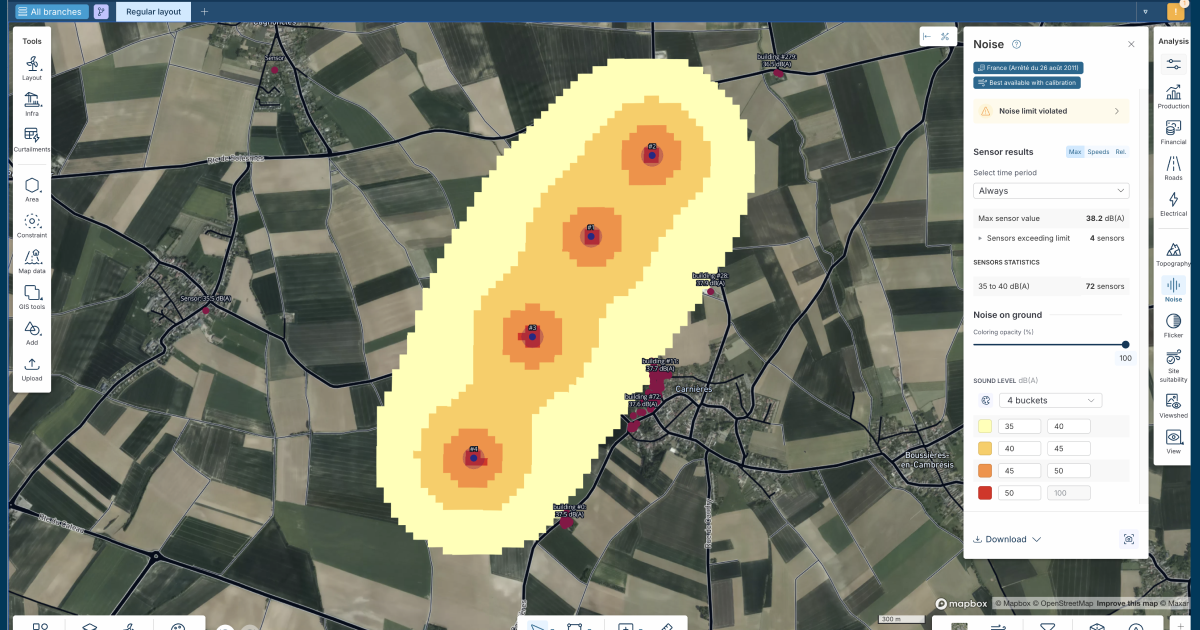
We have released a major update to our noise analysis and regulatory configuration, specifically designed to support the complex requirements of markets like Germany and France.
We know that compliance isn’t just about a single number; it requires granular control over different times of day and conditions. You can now define custom ranges for day, evening, and night, ensuring your project meets specific local demands.
The update includes:

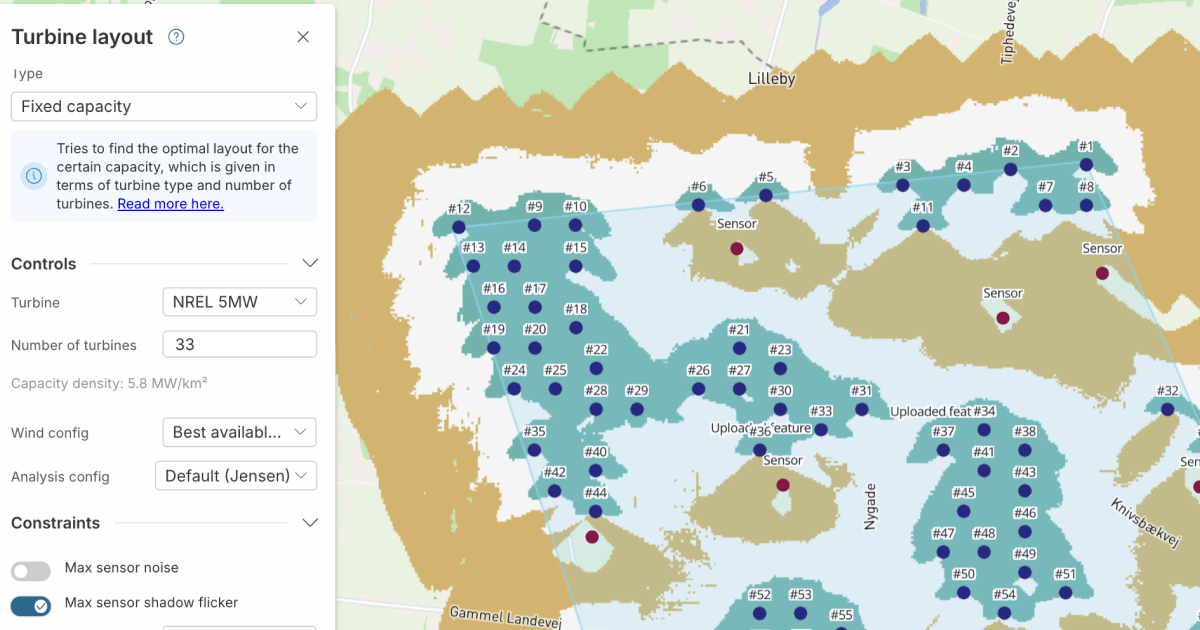
Following our recent updates to noise constraints, we are excited to announce that shadow flicker constraints are now fully integrated into layout optimisation in Vind AI.
Integrating shadow flicker limits early in the design phase is now a straightforward process. It works just like our noise constraints: simply specify your shadow limits in the regulatory configuration and toggle the constraint on in the optimisation panel. Vind AI will then automatically find the best layout that complies with these limits.
This feature is available for both the Fixed Capacity and Fill Area optimisation methods, making it easier to design compliant, high-yielding parks without manual iteration.
Sometimes, finding the turbine modes that best balance different (and potentially conflicting) factors, such as load, noise regulations, and production, requires testing a wide range of operational strategies. To support this, we have increased the number of allowed turbine modes from 4 to 15.
We hear from customers that during the early design phase, it can be unclear which specific modes will be needed. By allowing up to 15 modes, you can set up a complete range of operational strategies and iterate to find the optimal subset for your site.
Bonus feature: To make setting this up faster, you can now duplicate a mode to use as a starting point. This means you no longer need to create new modes from blank curves, saving you time when configuring multiple similar strategies.
Please reach out if you are interested in seeing a demo, asking a question or sharing feedback.


.png)